CP Logs Viewer
WordPress version: All
The CP Logs Viewer plugin is a powerful tool for viewing and analyzing PHP error logs in WordPress, with automatic classification of logs by source: plugins, themes, and core.
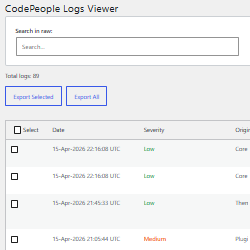
The "CP Logs Viewer" plugin provides a comprehensive interface for viewing PHP error logs generated by your WordPress site. It automatically classifies each log entry by its source, making it easy to identify whether errors come from plugins, themes, or WordPress core.
Key features include:
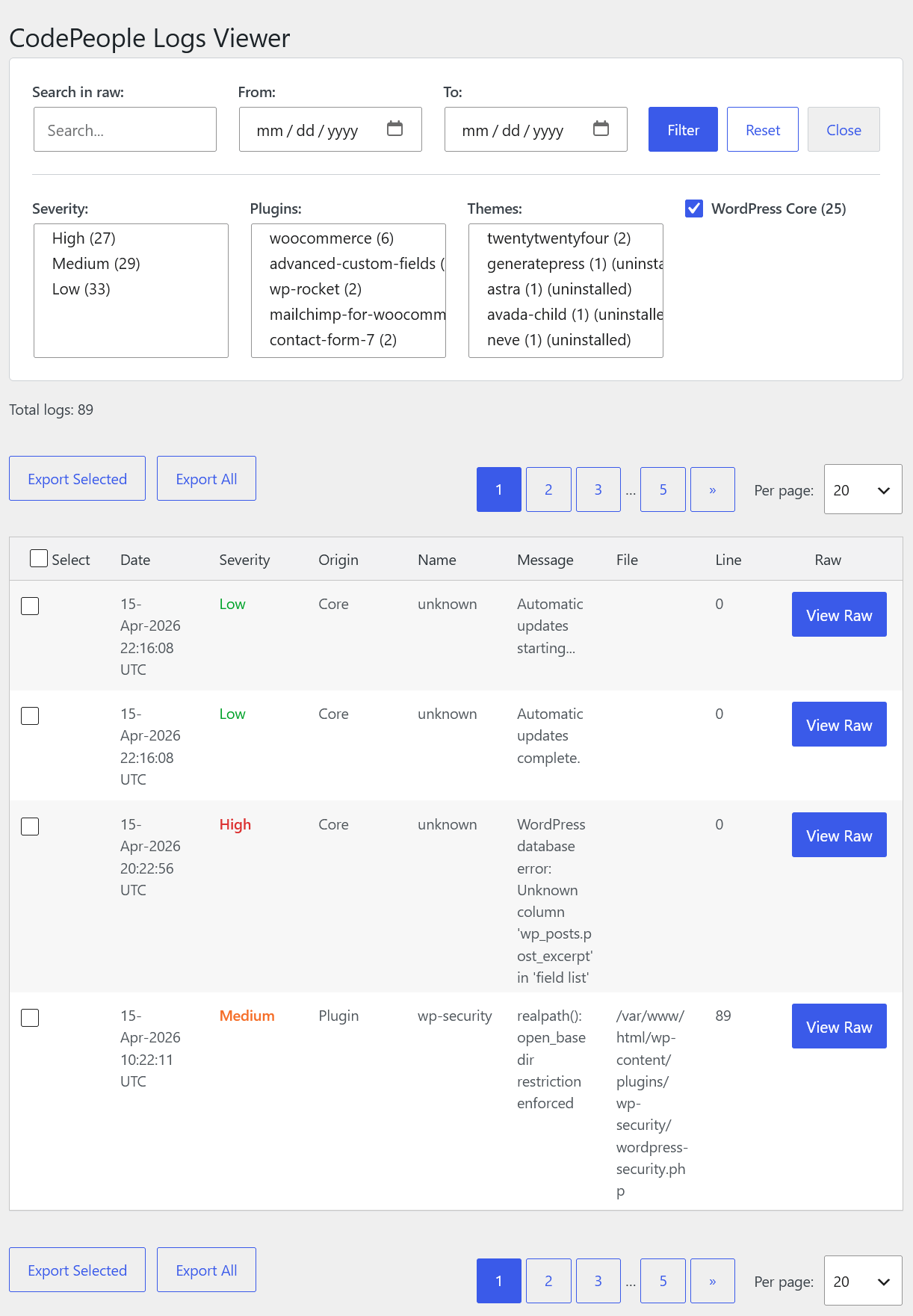
Automatic Classification: Each log entry is automatically classified as belonging to a plugin, theme, or WordPress core. The plugin detects which plugin or theme is responsible for each error by analyzing the file path in the log entry.
Filtering Options: The plugin offers multiple filtering options:
- Filter by date range (From/To)
- Filter by plugin or theme
- Filter by severity (High, Medium, Low)
- Search in raw log content
- Include/exclude WordPress core logs
Export Functionality: Export filtered logs to a text file for offline analysis or sharing with support teams. The export preserves all filtering applied in the current view.
Log Source Detection: The plugin intelligently detects which plugin or theme generated each log entry by examining the file path. It can also identify uninstalled plugins/themes that may have generated past errors.
To install the "CP Logs Viewer" plugin:
- CLICK HERE to download the ZIP file with the plugin code.
- Go to the Plugins section on your WordPress.
- Press the "Add New" button at the top of the Plugins section (or WordPress submenu).
- Press the "Upload Plugin" button and select the zipped file downloaded previously.
- Press the corresponding "Install" button.
- And finally, press the "Activate" one.
To access the logs viewer:
- Go to Tools > Logs Viewer in your WordPress admin menu.
- The main view shows all PHP error logs from your site.
- Use the filter controls to narrow down the results.
- Click "Export Logs" to download filtered results.
The "CP Logs Viewer" plugin adds a new entry under the Tools menu in your WordPress admin panel. From there, you can view, filter, and export PHP error logs with full classification by plugin, theme, or core.
Screenshots